Anyagleadás

A properly prepared print-ready file not only ensures a more beautiful final result, but also faster and more problem-free production. An incorrectly submitted file – for example, RGB colors, low resolution, or missing bleed – can cause color deviations, pixelated print, or cutting problems, the correction of which can result in additional coordination and longer production time.

The following guidelines release guide will take you through the most important technical settings in just a few minutes, ensuring that your file arrives to us ready for printing. This will save you time and avoid unnecessary extra rounds before production.

We only perform an artwork check of the files received; we are not responsible for content or spelling errors!

If you need help preparing the print-ready file, please let us know and our colleague will contact you.

Artwork editing fee: 10,000 HUF + VAT / hour.
The graphic design fee is individual, please discuss it with our colleague.

Artwork upload

You can send your print-ready file smaller than 10MB by e-mail as quickly as possible, in PDF format.

Uploaded to FTP – Ask our colleague for your own FTP connect.

With one of the large-format file sending systems (eg. wetransfer)

File format

PDF/X-1A:2003 format (this format is ideal for both litho and digital printing).

This is one of the safest printing PDF formats that will help you avoid printing errors. It ensures that fonts, colors and graphics are displayed properly during production, so it is recommended for both litho and digital printing.

Sides

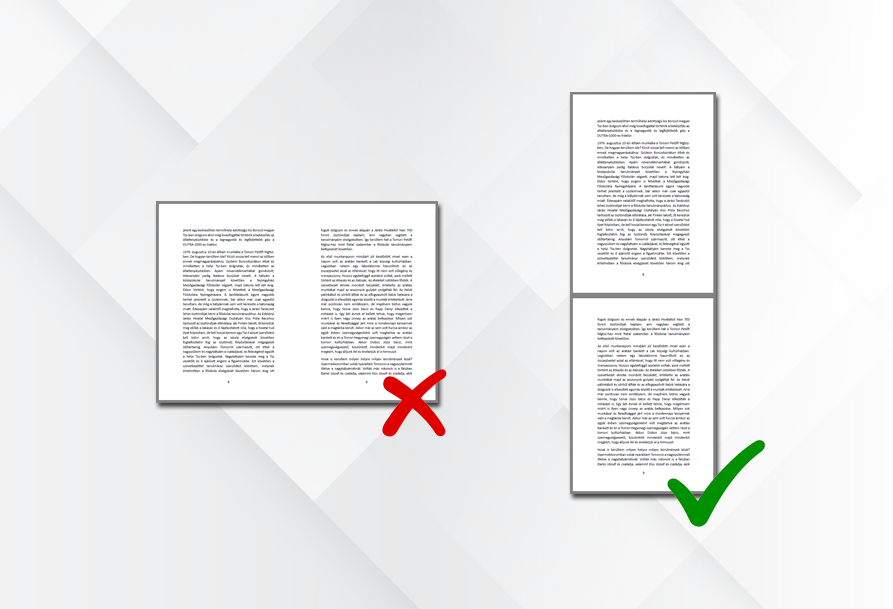
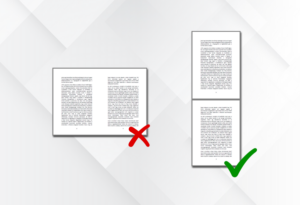
Please submit multi-page materials in a single PDF file, page by page – in pairs of pages not edited next to each other. This ensures proper printing processing and correct binding order.

This does not apply to folded flyers, such as LA4 – 6 pages, A5 – 4 pages, etc. For these folded flyers, however, the location of the folding must be marked in the print-ready PDF.

Images

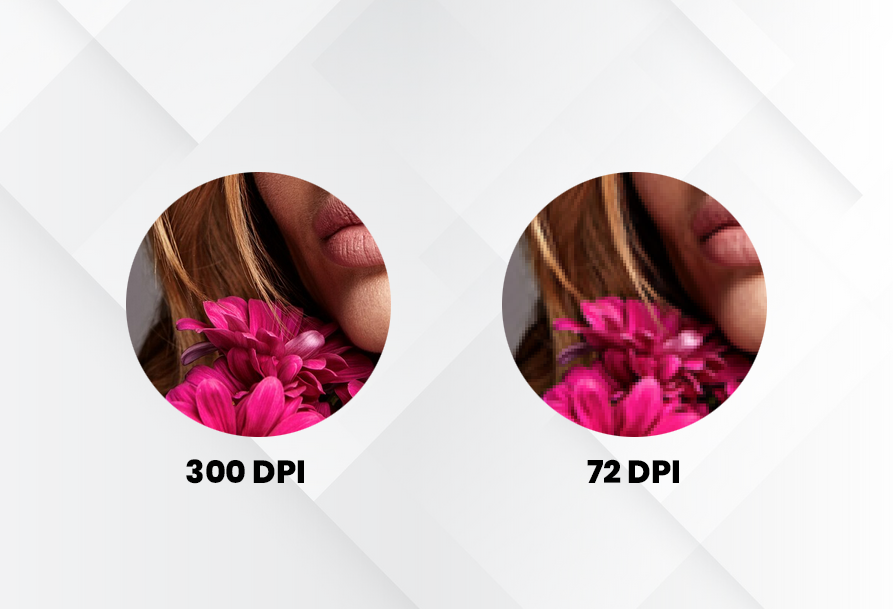
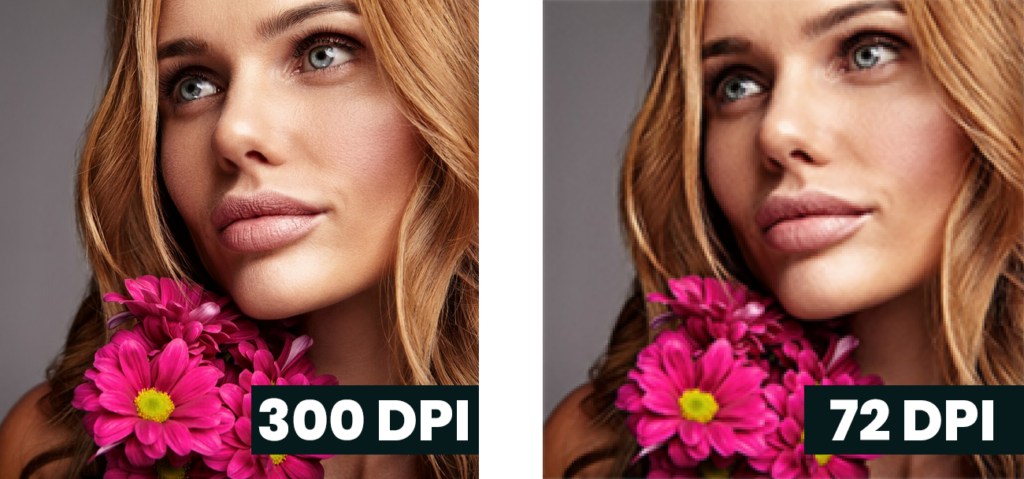
We can accept the images broken down into 4 basic colors (CMYK) with at least 300 dpi. Images downloaded from the internet are only suitable for quality printing to a limited extent.

  • low dpi → pixelated, blurry
  • high dpi → sharp print

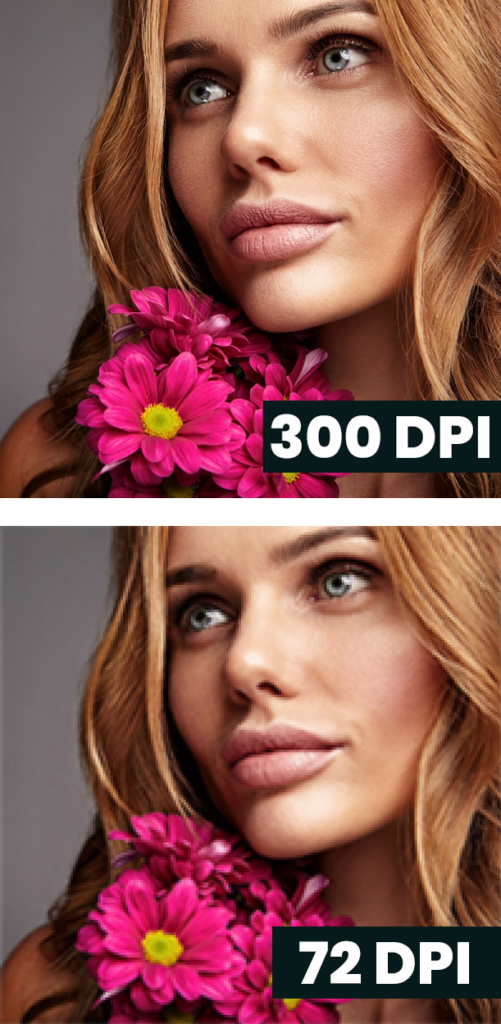
A print is much more detailed than a monitor. 72-100 dpi on the monitor also looks nice, but it will be out of focus when printing.


72 dpi internet image printed:

  • it’s fuzzy,
  • fissure,
  • diffluent,
  • It has an amateur effect.

Colors

Why is RGB not good?

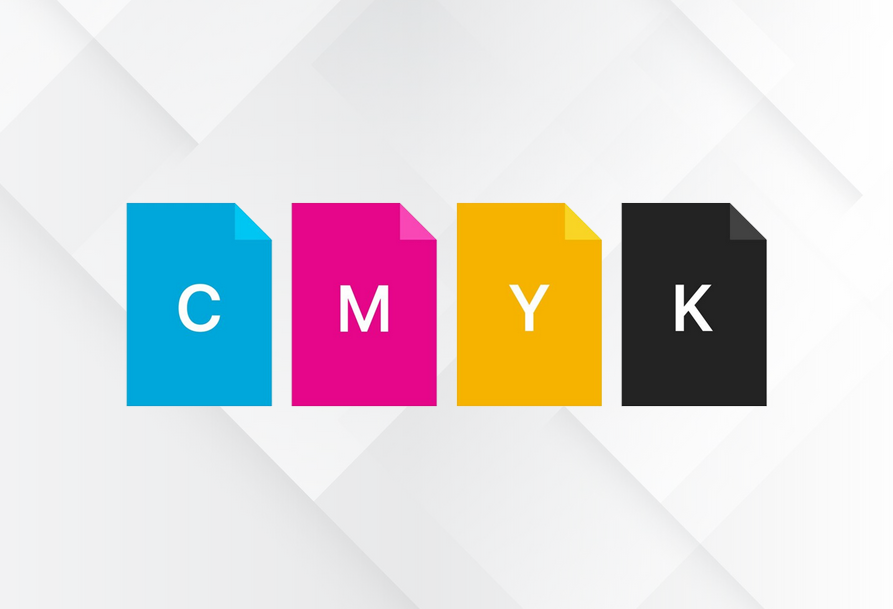
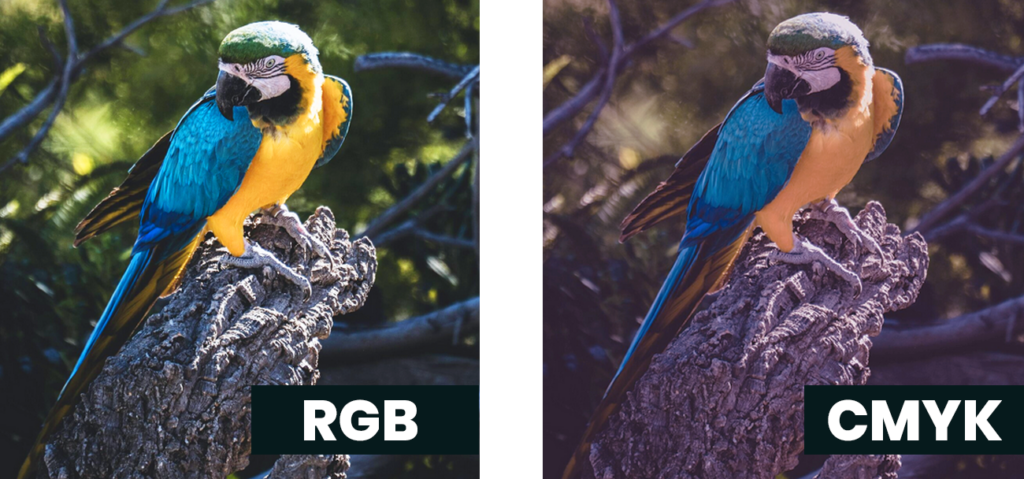
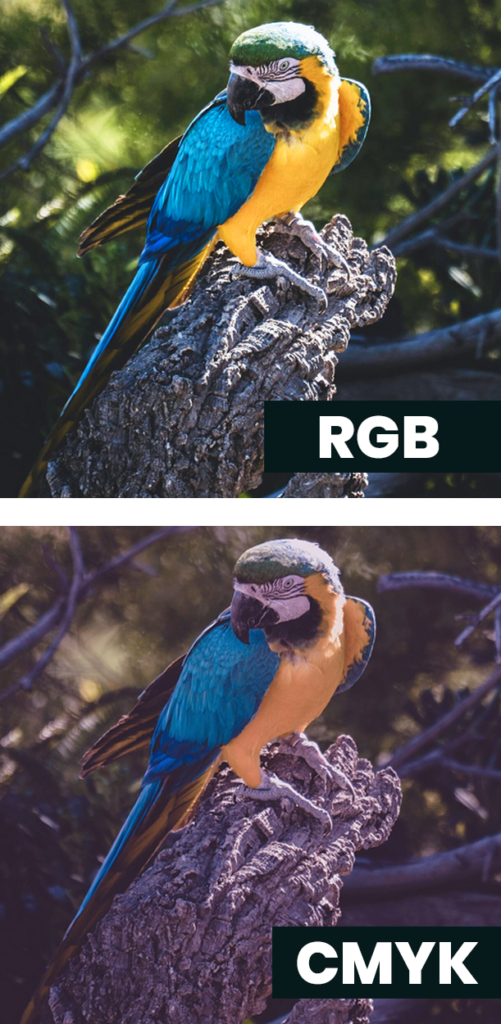
The monitor works in RGB (Red, Green, Blue). However, the printing machine works with inks (Cyan, Magenta, Yellow, Black). These are two different color systems.


What happens when you send us an RGB image?

Our system automatically converts it to CMYK. Then the colors may change, the bright colors may disappear, the skin color will be different, and the company’s image color will be different.

A typical example is that you see the color as bright blue on a monitor, but when printed it will be a dull purple blue.


What is pantone color?

Pantone is a separate pre-mixed paint color system. It is used for special pressure, for example brand colors, metallic paint, special colors.

If the printing press uses 4 color (cmyk) pressures, the pantone color must be converted to CMYK – if possible.


What happens if you don’t convert it?

Maybe a completely different color will appear, it will be pressed incorrectly, it will cause extra costs, the RIP system will indicate an error.

Bleed

What’s the bleed?

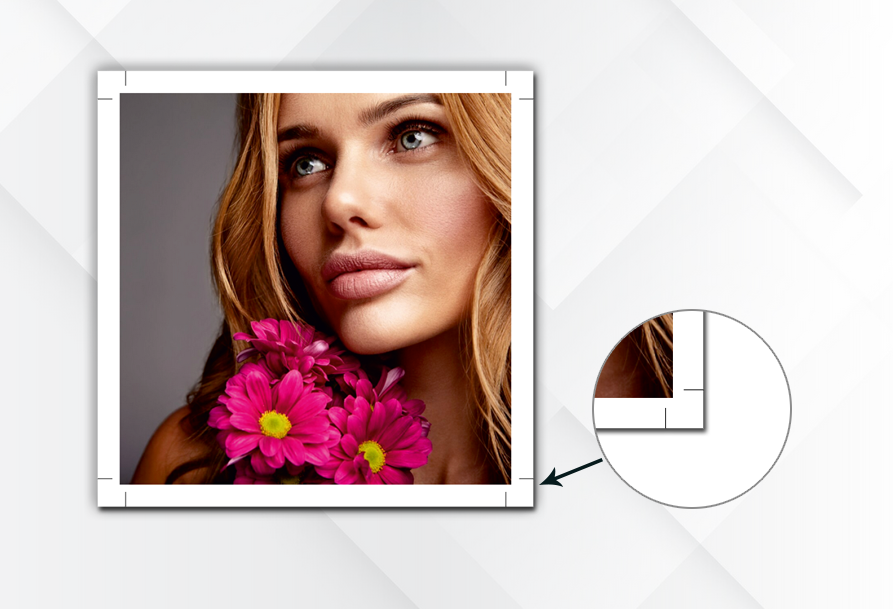
The graphic overflows the final size by approx. 3-5 mm. So the graphic does not end where the cut is made. For hardcover books, a 15 mm bleed is required.


Why is the bleed needed?

Because paper cutting is never 100% accurate. There is always a difference of 0.5-1 mm.


What happens without bleed?

If the graphic ends exactly at the edge of the crop mark, then in the event of a small cutting difference, a white stripe will appear on the finished product. This is a very noticeable and amateur error.


In practice

If the finished size is A4 (210×297mm), then the printing PDF size should be 216×303mm (with 3-3 mm bleed).

Fonts

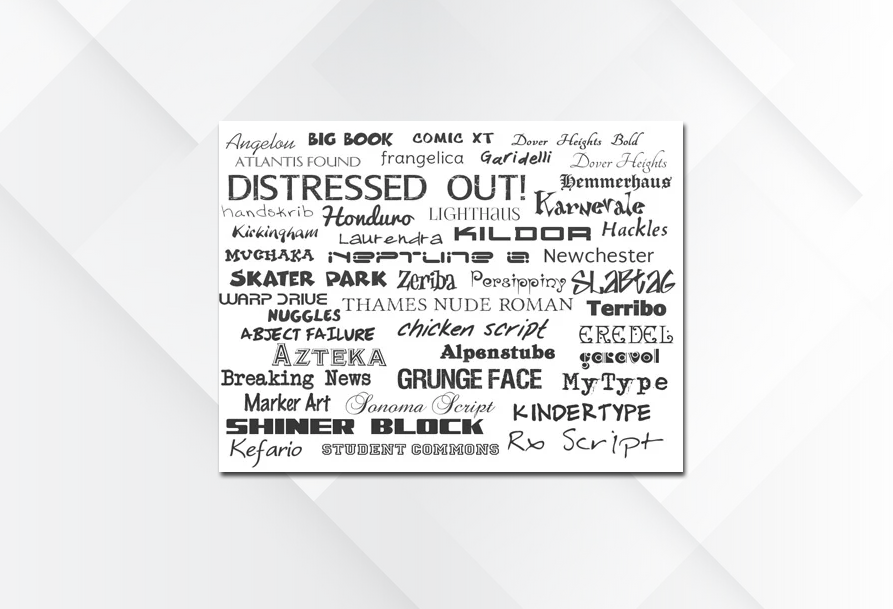
Fonts should always be embedded in the PDF or converted to curves.


What does this mean?

The printing machines do not necessarily have the same font installed as you are using.

If the font is not ‘wrapped’ in the PDF, our machine may use a substitute font, which may cause the wrapping to fall apart, lines to slip, and the appearance to change.


What is an ’embedded font’?

The PDF also contains the font itself. It is as if you are sending us the font set used with the document.

If the font is not embedded and you are using a font that we do not have on our machine, our system will use Arial instead.

This results in the text being different in width, lines to slip, text to stick out, and characters to disappear.


What is ‘curved’?

The text no longer exists as text, but as a vector shape. The letters become a ‘drawing’.

The advantage of this is that it will look exactly the same on every machine – no font is needed. The disadvantage is that it is difficult to edit afterwards.

UV varnish, hot foil stamp, die cutting

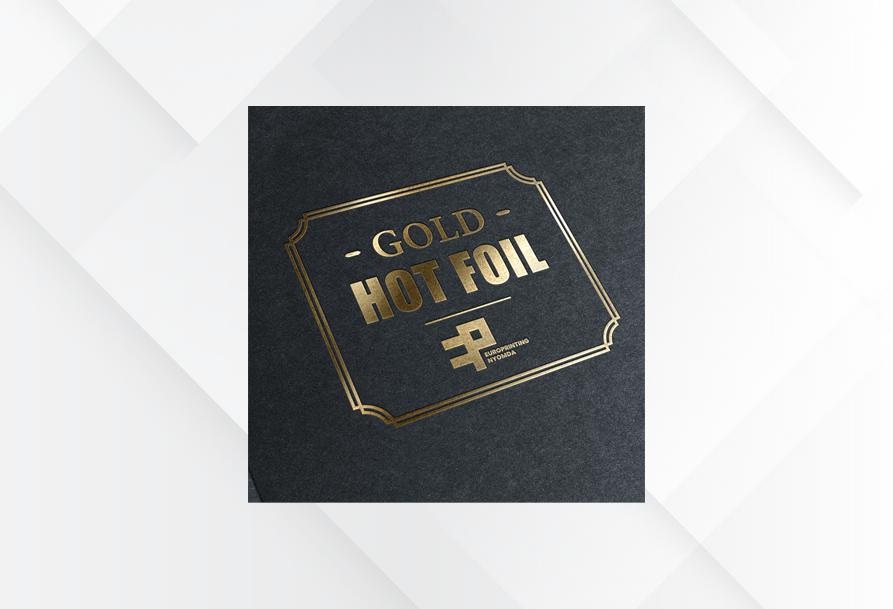
In the case of UV varnish, embossing, embossing and die-cuts, please submit these in a separate file, in vector format, as spot colors, making sure that they match the positions used in the artwork. It is important for the die-cut drawing to be a real line, not a shape filled with color.


Spot UV varnish

Spot UV varnish is an extra glossy surface on the paper or carton.

For example: the logo is glossy, but the background is silk/matte, so certain parts will be highlighted in the print.


Why do you need it on a separate layer?

Because spot UV varnish is not a part printed with ink. The machine needs to know separately where there should be varnish and where there should not be.


What is spot color?

A special technical highlighting color. In this case, it is not a real printing color. It just shows that ‘UV varnish should be applied here’.


What happens if we get it wrong?

The varnish may be applied in the wrong place, it may slip, nothing may be varnished, or everything may be varnished.


What is a die-cut forme?

A die-cut forme is a cutting tool. For example, a custom-shaped sticker, box, label etc.


Why is accurate positioning important?

Printing and cutting are separate operations. If the die is not aligned exactly in the same place, text may be cut off, the shape may be misaligned, a white edge may remain, and the product may be unusable.
Scroll to Top